RockItCoin FAQs
How to Sell Bitcoin Using a RockItCoin ATM
Selling your Bitcoin at a RockItCoin ATM is the fastest way to get cash in your hands in return for your crypto. And best of all, it only takes a few minutes!
Step 1: Find and Visit a 2-Way RockItCoin ATM
The first step is to find a RockItCoin ATM that can sell crypto for cash. RockItCoin operates the largest fleet of 2-way Bitcoin ATMs in the United States, so there’s likely one near you!
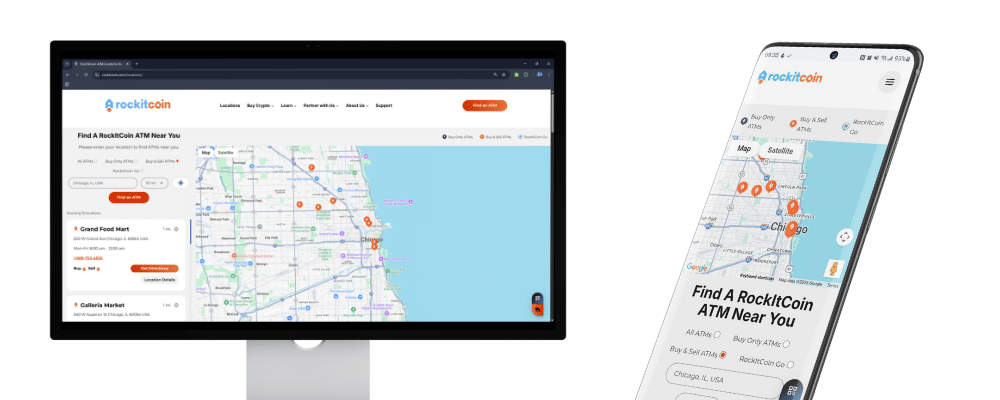
You can find nearby 2-way Bitcoin ATMs by selecting the “Buy & Sell ATMs” filter on our locations page.
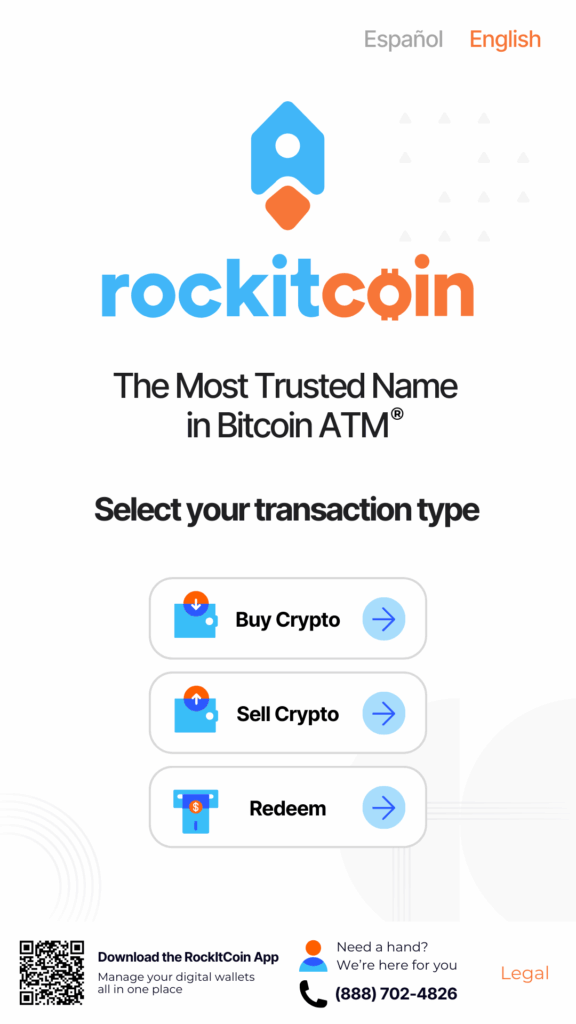
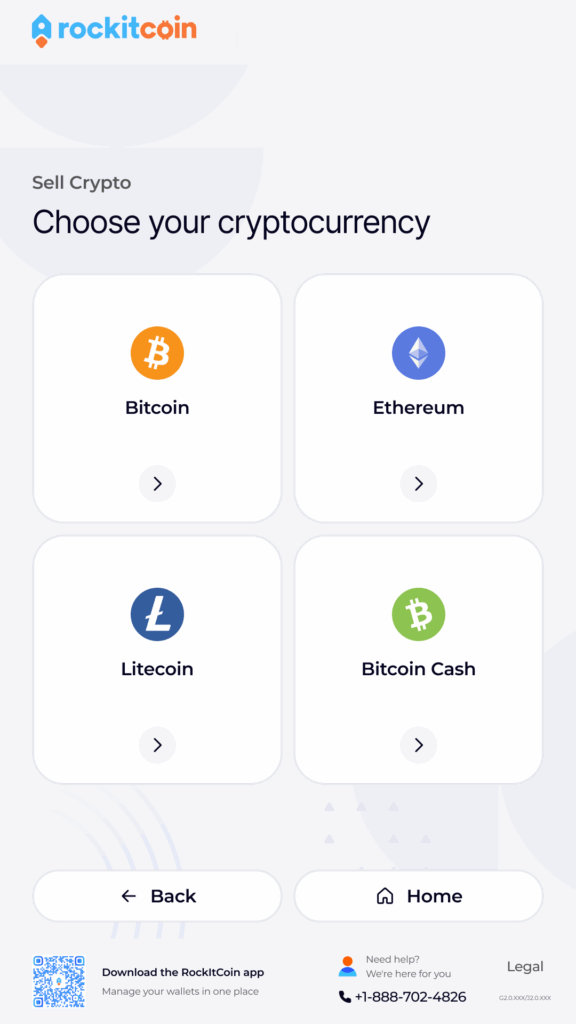
Step 2: Select “Sell Coins” on the home screen.
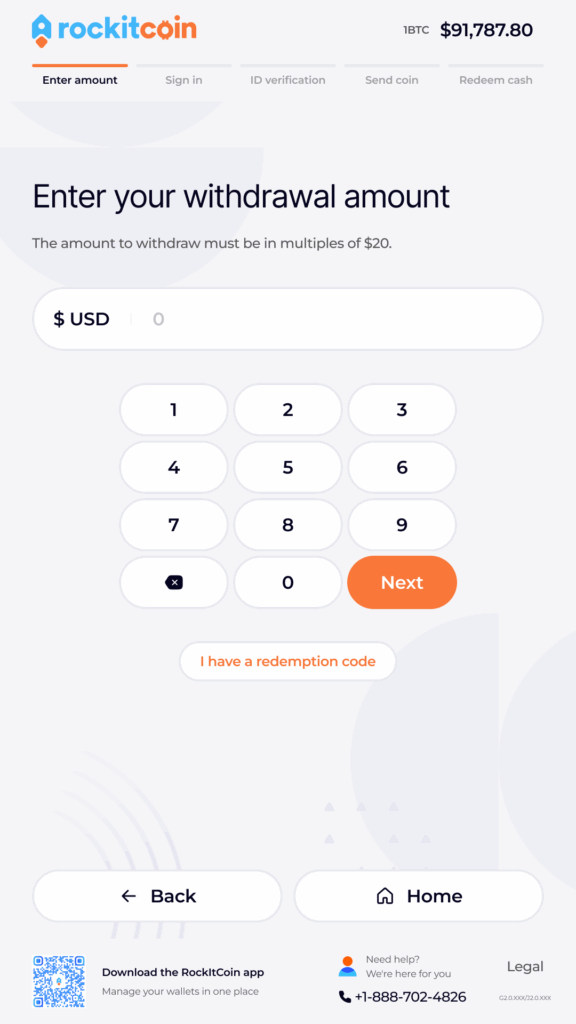
Then, choose the cryptocurrency you want to sell. Next, enter your withdrawal amount.
Note: The amount must be a multiple of 20.
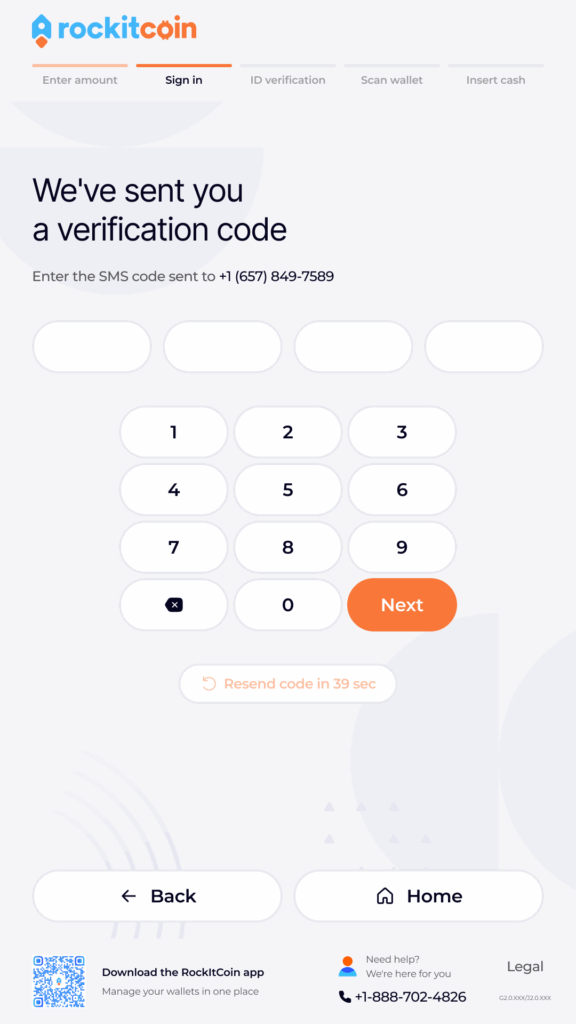
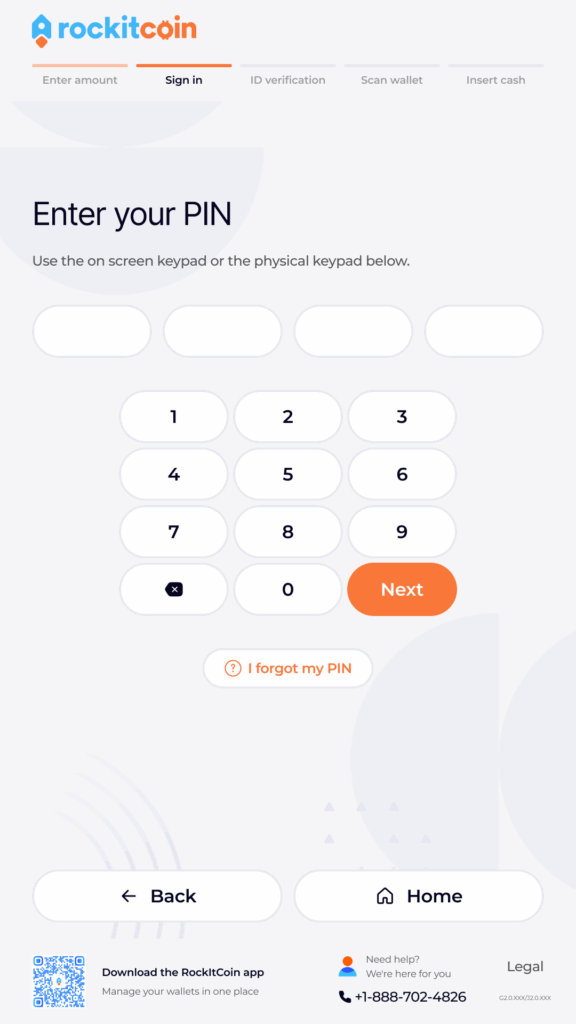
Step 3: Enter your phone number, SMS verification code, and PIN.
New users will receive an SMS code on their phones, which they will be prompted to enter into the RockItCoin ATM to verify their identity. After verifying your SMS code, you will be prompted to create a 4-digit PIN.
Returning users simply need to input the PIN they created during their first visit.
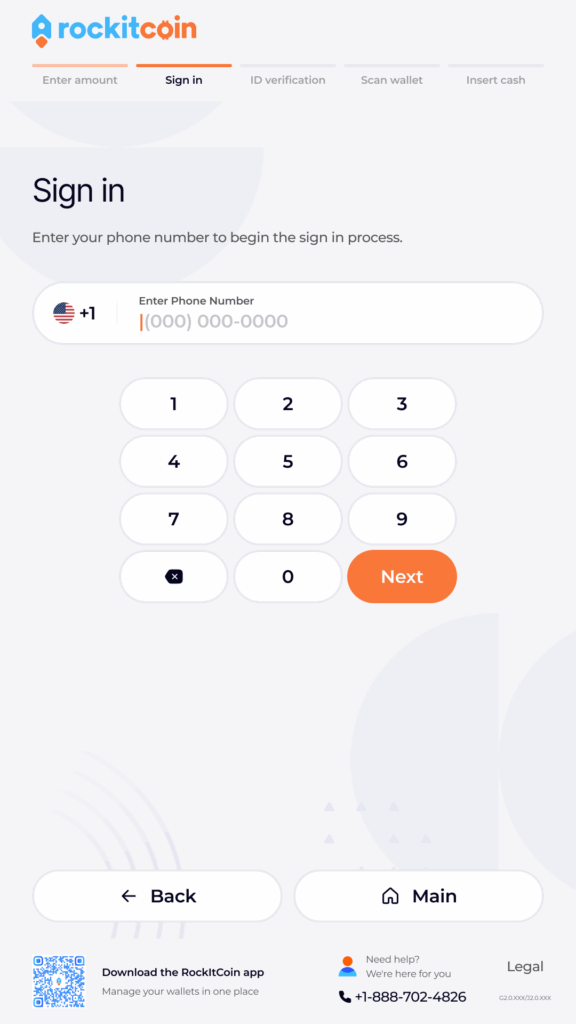
New users: You’ll be directed to verify your ID by scanning your ID card (like a driver’s license). Depending on the size of your transaction, you may also need to provide information like your date of birth, SSN, and a photo of your ID.
Existing users: Continue to the next step.
Step 4: Send Crypto to the ATM
The ATM will display a QR code on the screen. Using your RockItCoin app, scan the QR code and send the funds for your withdrawal. If you need assistance in sending from your RockItCoin app, click here.
DO NOT modify the amount you are sending from your phone – the RockItCoin ATM will automatically generate the amount needed to fund your transaction, including fees.
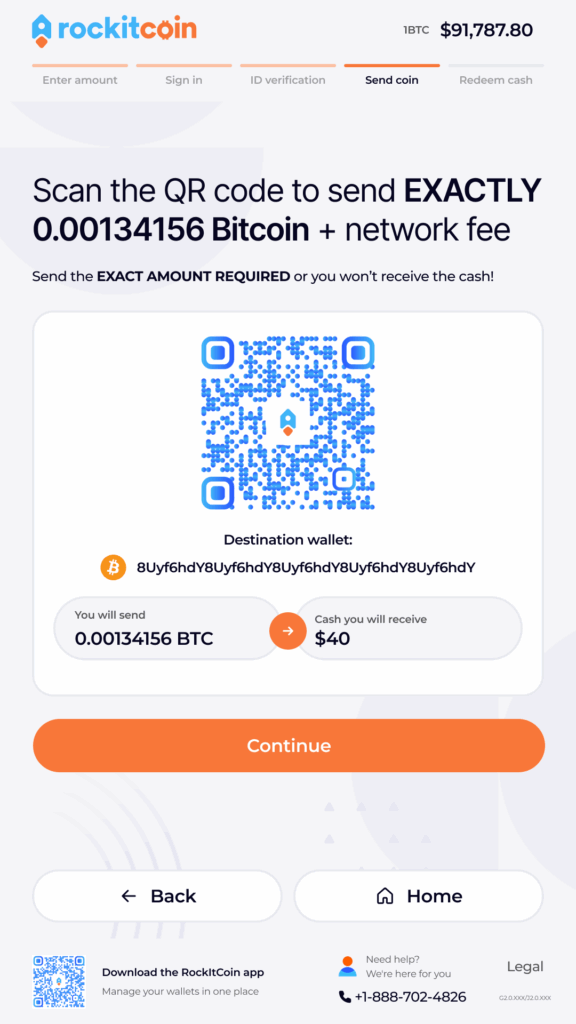
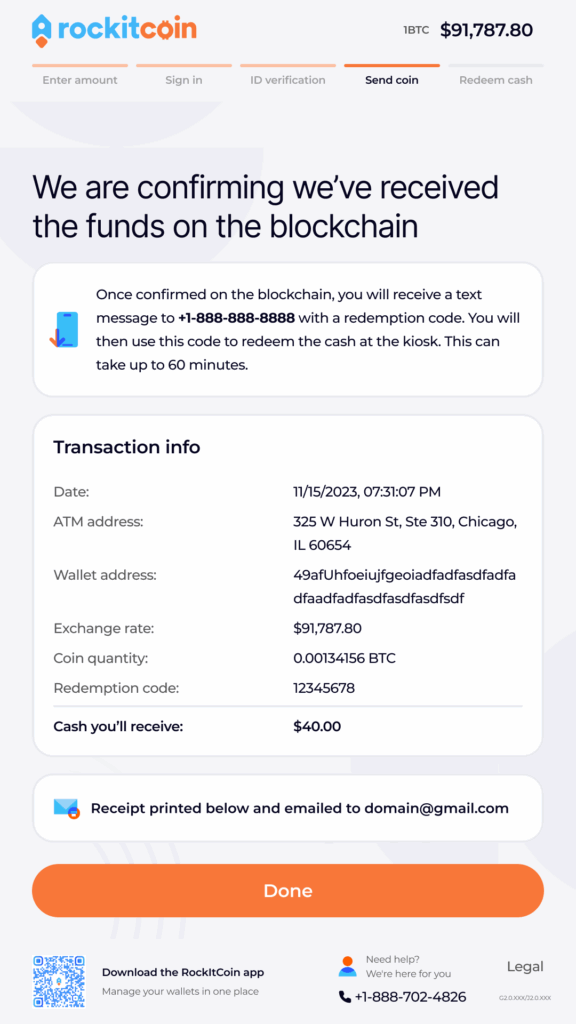
Step 5: Confirmation
Once you have sent the funds, you must wait for your transaction to go through the confirmation cycle. This typically takes a few minutes, depending on your selected mining fee and how quickly the blockchain is confirming transactions.
You will be notified via text message when your funds are available to redeem.
Step 6: Redemption
Once you receive your redemption code, return to the ATM. Press ‘Redeem’, and sign in using your phone number and PIN. Next, you’ll enter your redemption code and press ‘Next’.
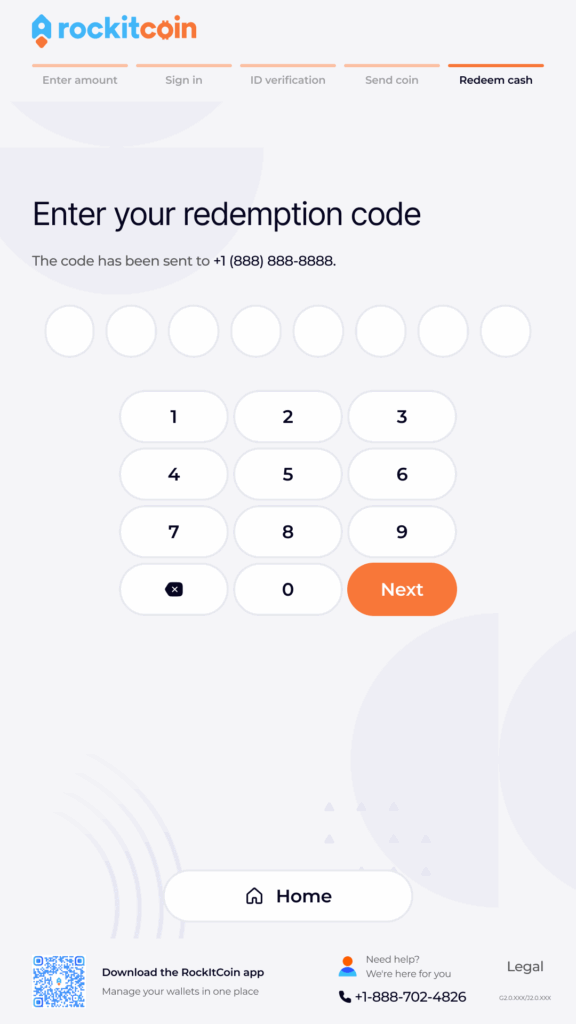
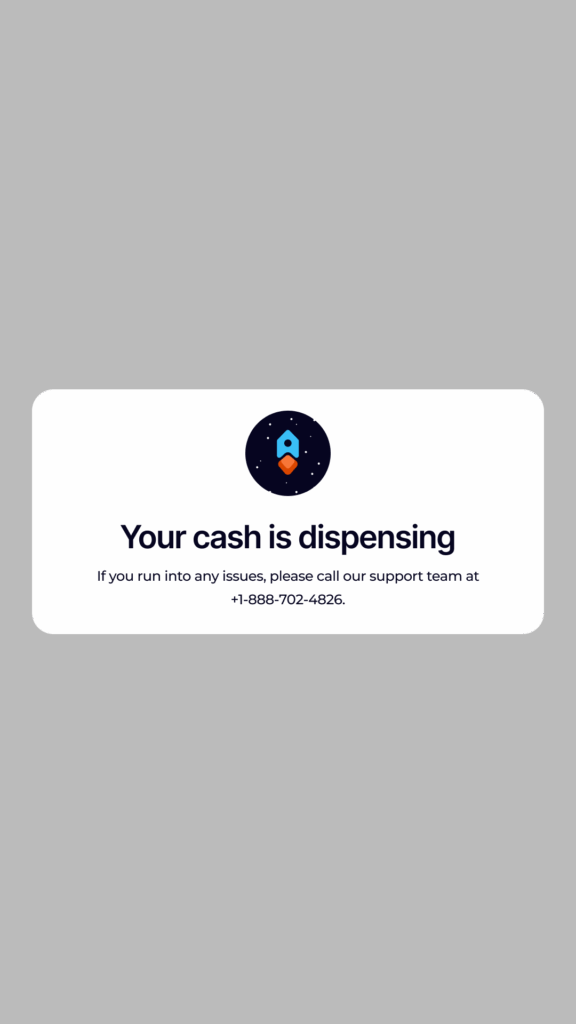
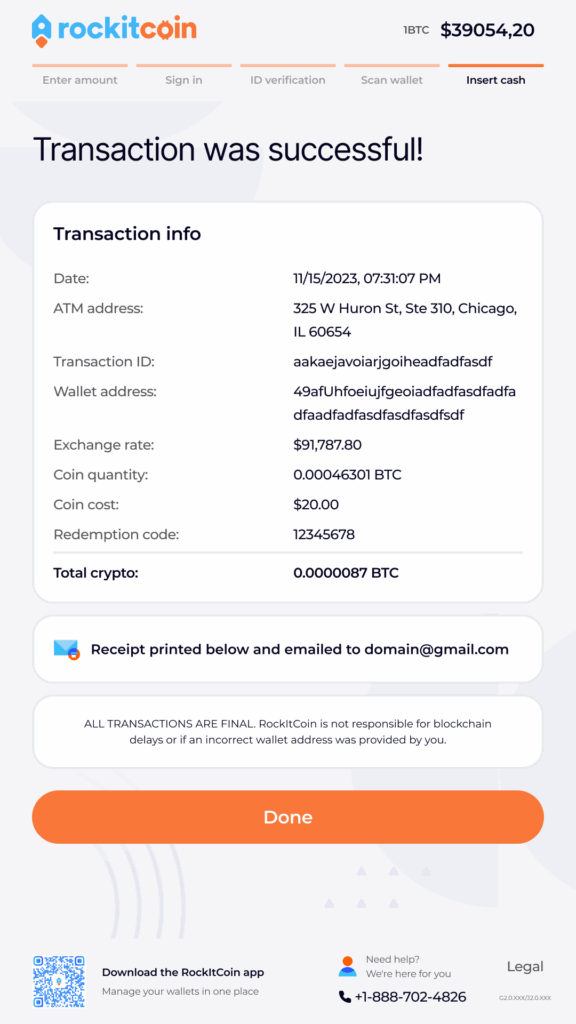
The kiosk will then dispense cash!
If you need assistance during any part of the selling process, please contact RockItCoin support by phone at 888-702-4826 or by email at support@rockitcoin.com